Make a new frame.
Open the camera, choose a style or build your own with an optic and film, then shoot. Adjust exposure, focus, shutter speed, ISO and white balance where your device supports them.

 Get in touch
A camera for your own rhythm
Shoot with live camera controls, or Develop a photograph you already have. Give either one your own film, optic and style.
Suitable for all ages · Requires iOS or iPadOS 18 or later
Coming to the App Store · no listing link yet
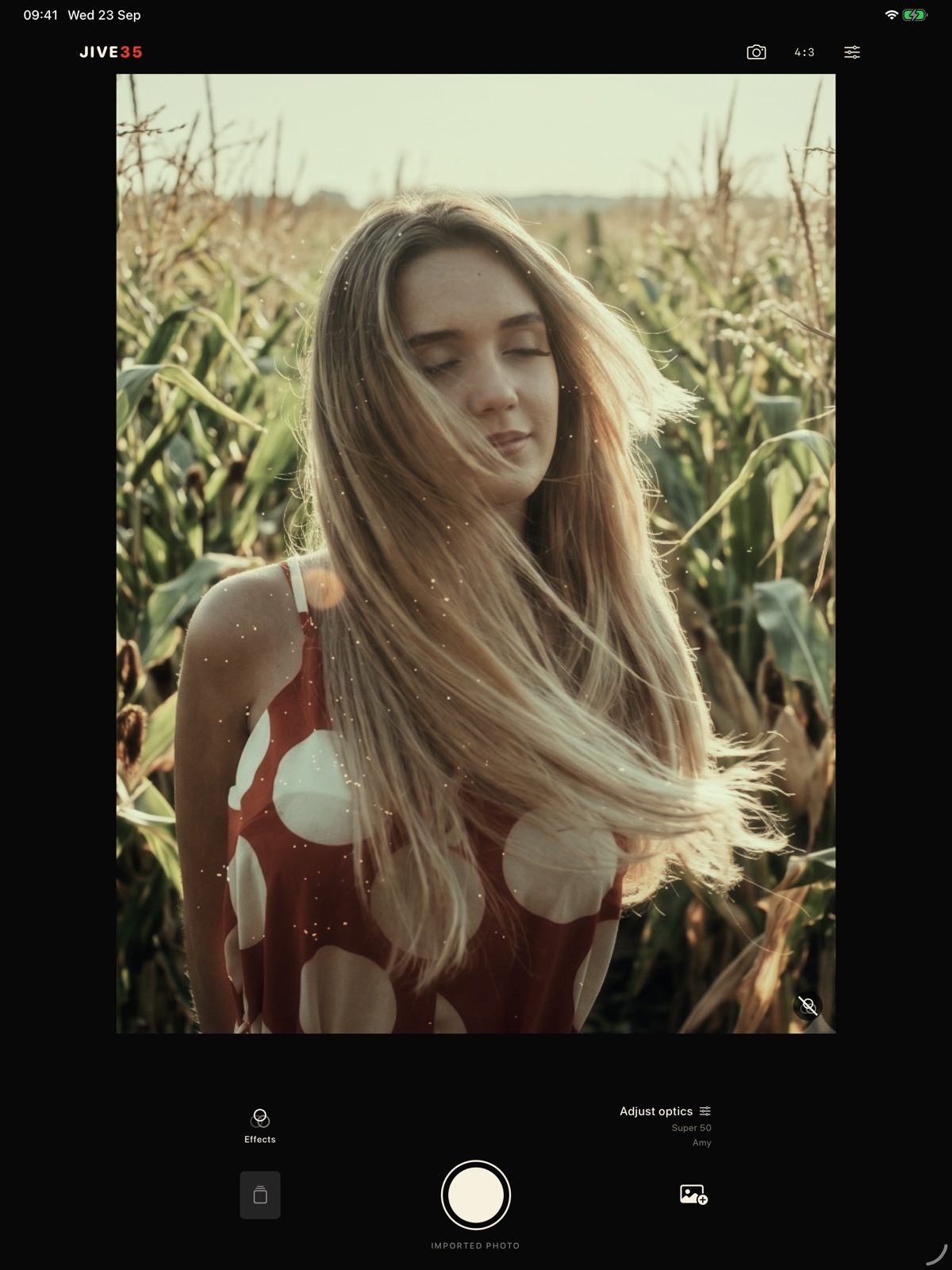
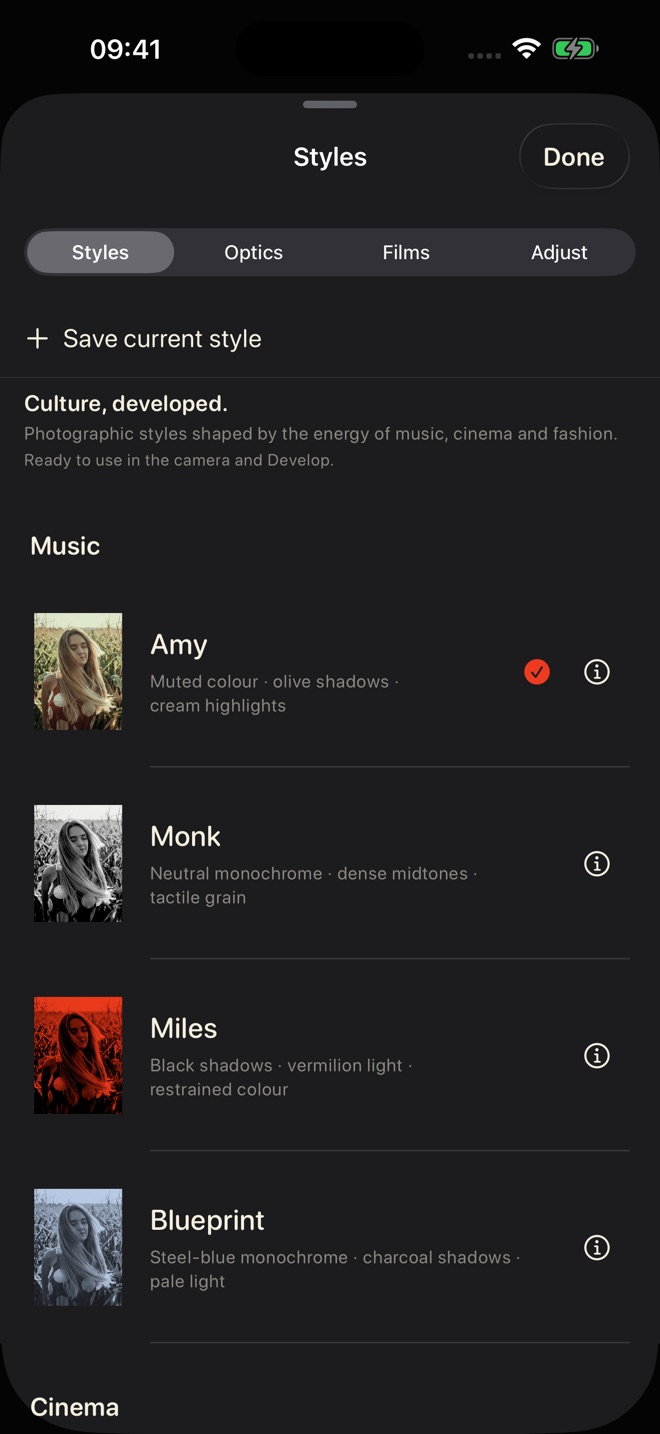
Explore styles shaped by the energy of music, cinema and fashion. Pair a digital optic with a film profile, adjust the treatment and save a combination that is yours.
All current catalogue items are included. Optics and films are digital effects; camera and RAW controls depend on your device.
Open the camera, choose a style or build your own with an optic and film, then shoot. Adjust exposure, focus, shutter speed, ISO and white balance where your device supports them.
Choose an existing photograph from your library, apply a style or mix an optic and film, then refine colour and framing.
Save a favourite combination, then export a developed image as JPEG or HEIF. Your originals stay on your device.
02 / In the frame
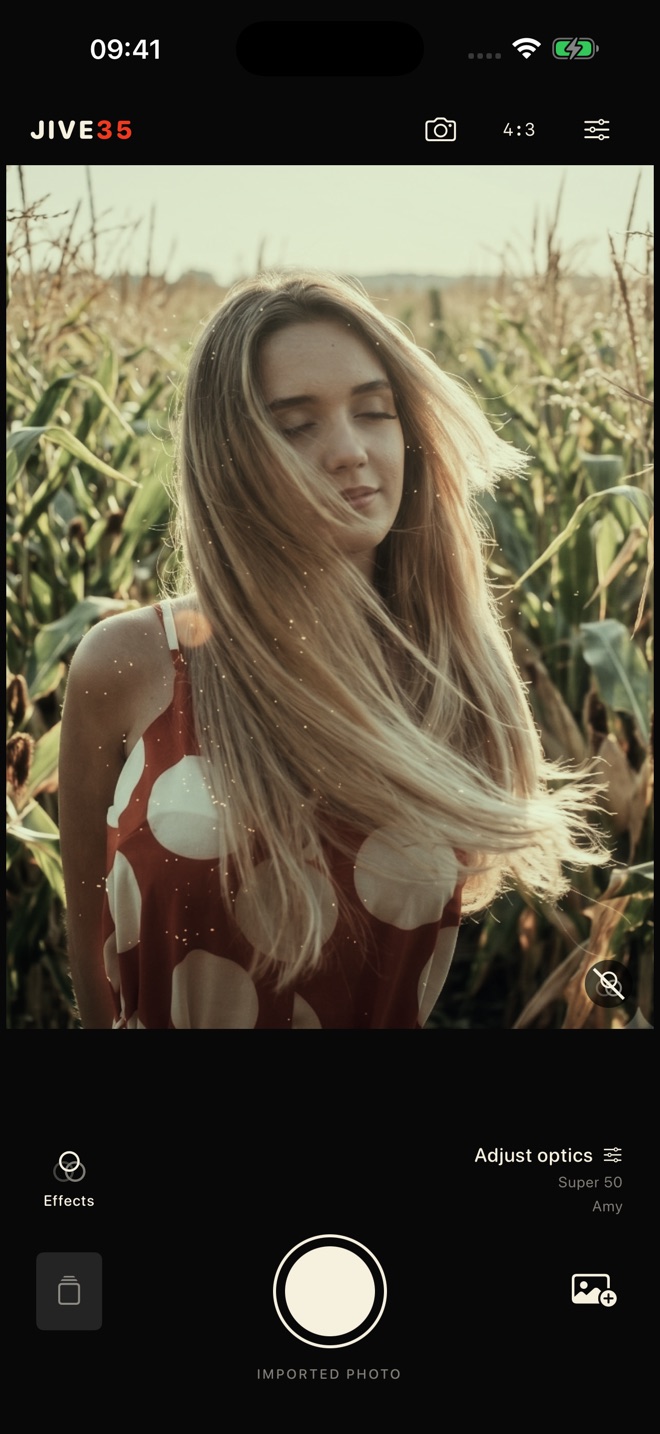
Two real views from the current Jive35 build. No simulated interface.
04 / Yours to keep
Jive35 processes photographs on your device. There are no app accounts, ads, tracking or third-party analytics. Export or share only when you choose.
Read the app privacy policy ↗Get support ↗